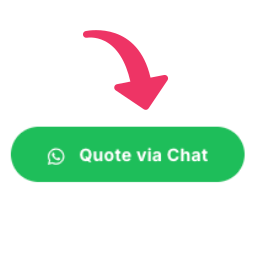
Quote via Chat Button
This plugin allows you to designate certain products in your WooCommerce store to have no price. Instead, it displays a configurable button for customers to request a quote directly via a chat app (like WhatsApp). From the settings page, you can customize: * The WhatsApp phone number. * The button t
This plugin allows you to designate certain products in your WooCommerce store to have no price. Instead, it displays a configurable button for customers to request a quote directly via a chat app (like WhatsApp).
From the settings page, you can customize: * The WhatsApp phone number. * The button text and icon. * The predefined message the customer will send. * The button colors.
- 01Upload the boton-de-cotizar-por-chat folder to the /wp-content/plugins/ directory.
- 02Activate the plugin through the ‘Plugins’ menu in WordPress.
- 03Go to Settings > Quote via Chat Button to configure the options.
Frequently asked questions.
How do I make a product display the chat button?
Simply edit the product in WooCommerce and leave the “Regular price” field completely empty.
Does the plugin affect my site’s speed?
No. The plugin is very lightweight and only loads its functions and styles on the WooCommerce product pages where it’s needed, so the performance impact is negligible.


