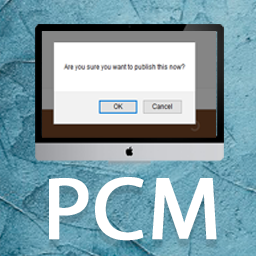
Publish Confirm Message
This is a lightweight WordPress plugin that adds an extra confirmation dialog when clicking the Publish button in the Classic Editor, helping to prevent accidental publishing. Never publish by accident again! This plugin adds confirmation dialogs for publishing actions in the Classic Editor. When wo
About this tool.
This is a lightweight WordPress plugin that adds an extra confirmation dialog when clicking the Publish button in the Classic Editor, helping to prevent accidental publishing. Never publish by accident again!
This plugin adds confirmation dialogs for publishing actions in the Classic Editor. When working with page builders such as Elementor, WPBakery, confirmations are displayed when publishing or updating content via the WordPress editor controls rather than the builder’s own interface.
If you love this plugin, buy me a cup of coffee
Screenshots & previews.
Getting started.
- 01Download and extract plugin files to a folder in your wp-content/plugin directory.
- 02Activate the plugin through the WordPress admin interface.
- 03Change the default message through the ‘Publish Confirm Message’ menu in WordPress.
You’re done! The Plugin ready to use according to the directions in the description.
If you have any questions or problems please make a post here: https://wordpress.org/support/plugin/publish-confirm-message/




