SoftIcon Sheet Sync for WooCommerce
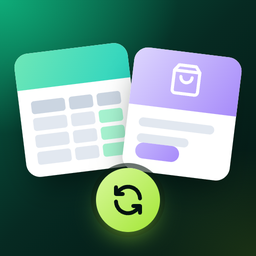
Updating stock or prices one product at a time is slow. SoftIcon Sheet Sync puts every product and variation in a Google Sheet, one row each. Edit the sheet and WooCommerce updates within seconds. Change something in WooCommerce, or sell something, and the sheet updates too. Everything is free. Ther
Updating stock or prices one product at a time is slow. SoftIcon Sheet Sync puts every product and variation in a Google Sheet, one row each. Edit the sheet and WooCommerce updates within seconds. Change something in WooCommerce, or sell something, and the sheet updates too.
Everything is free. There is no premium version, no product limit and no locked features.
Features
- Two-way sync between WooCommerce and Google Sheets.
- Instant updates from the sheet : a small Apps Script sends each edit to your store and writes the result in a Sync status column, so you see right away if a value was rejected.
- Automatic updates to the sheet a few seconds after a product is saved, trashed, deleted or its stock changes after an order.
- Simple and variable products : every variation gets its own row.
- Columns you choose : name, SKU, regular price, sale price, stock (quantity or In stock / Out of stock / On backorder), status, categories, short description, description, total sales and product URL.
- Bulk editing with everything a spreadsheet offers: paste a column, fill down, find and replace.
- Sheet menu with Fetch from WooCommerce and Send all rows to WooCommerce .
- Formatted sheet : frozen header, read-only columns greyed out with an edit warning, price formats and a status dropdown.
- Scheduled full sync every 10 minutes, 30 minutes, hour or day as a safety net.
- Checks before saving : prices must be numbers, a sale price must be lower than the regular price, SKUs must be unique and categories must exist.
- Activity log of every sync and every rejected value.
- Setup wizard that explains each step and tells you exactly what to fix when Google refuses a request.
How it works
The plugin connects through a Google Cloud service account , a robot Google user that can only open the sheets you share with it. No Google SDK is bundled; the plugin calls the Google Sheets REST API directly.


