The FinderPress tool directory
WordPress plugin
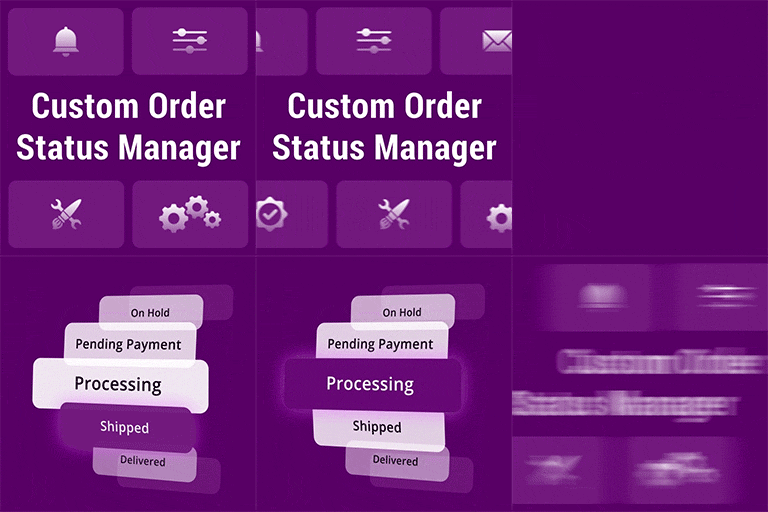
Custom Order Status Manager for WooCommerce
Custom Order Status Manager for WooCommerce plugin allows you to create, delete and edit order statuses to better control the flow of your orders. What is a Custom Order Statuses for WooCommerce? Not all order pipelines are created equal. Customer Order Status Manager for WooCommerce allows you to c
PricingFree downloadThe WordPress.org download is free. Pro versions, add-ons or external services may cost extra.
CompatibilityRequires WordPress 4.9 and PHP 7.4.
SourceWordPress plugins · Oct 19, 2026
01 / Source details
About this tool.
Custom Order Status Manager for WooCommerce plugin allows you to create, delete and edit order statuses to better control the flow of your orders.
What is a Custom Order Statuses for WooCommerce?
Not all order pipelines are created equal. Customer Order Status Manager for WooCommerce allows you to create, delete and edit order statuses to better control the flow of your orders.
Custom Order Status Manager for WooCommerce Features:
- Create unlimited order statuses
- Customize the status label.
- Customize the status icon or text color.
- Create default statuses for payment methods.
- Enable email notifications for customers or administrators.
- Adds a status column to the order list page.
- Set order status for Default and Third-party Payment methods.
- Automatic custom status transtitions (by time intervals) – (PREMIUM)[https://brightplugins.com/product/custom-order-status-manager-for-woocommerce/?utm_source=freemium&utm_medium=wp_site&utm_campaign=upgrade_pro]
- Display in Woo Reports – (PREMIUM)[https://brightplugins.com/product/custom-order-status-manager-for-woocommerce/?utm_source=freemium&utm_medium=wp_site&utm_campaign=upgrade_pro]
- Increase or decrease the stock level – (PREMIUM)[https://brightplugins.com/product/custom-order-status-manager-for-woocommerce/?utm_source=freemium&utm_medium=wp_site&utm_campaign=upgrade_pro]
How to create Custom Order Status?
After activating the plugin, follow these steps to create new Custom Order Status:
- Navigate to WooCommerce > Order Status menu
- Now click “Add New” button and add order title name
- Enter a slug (Must need to be unique )
- Press “Publish” button
- All Set!
How to activate the Email template for the created Custom Order Status?
- Navigate to WooCommerce > Settings > Email Tab
Keep exploring





