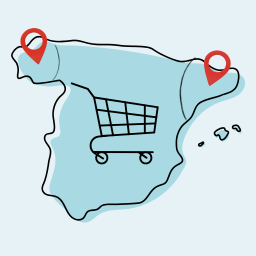
Fix Spanish Province Names for WooCommerce
When WooCommerce is set to Spanish (Spain), some province names are displayed in their Castilianized form instead of their official names. This plugin restores the correct toponyms. The following corrections are applied: La Coruña → A Coruña Orense → Ourense Lérida → Lleida Gerona → Girona This plug
When WooCommerce is set to Spanish (Spain), some province names are displayed in their Castilianized form instead of their official names. This plugin restores the correct toponyms.
The following corrections are applied:
- La Coruña → A Coruña
- Orense → Ourense
- Lérida → Lleida
- Gerona → Girona
This plugin requires WooCommerce to be installed and activated.
Screenshots & previews.
- 01Upload the plugin folder to the /wp-content/plugins/ directory.
- 02Activate the plugin through the ‘Plugins’ menu in WordPress.
- 03The corrections are applied automatically. No configuration needed.
Frequently asked questions.
Does this plugin require WooCommerce?
Yes, this plugin requires WooCommerce to be installed and activated.
Where are the corrections applied?
The corrections are applied wherever WooCommerce displays Spanish province names: checkout, my account, order details, etc.
Can I add more corrections?
Currently, the plugin only corrects the four provinces listed. If you need additional corrections, please open an issue on the plugin’s GitHub repository.




