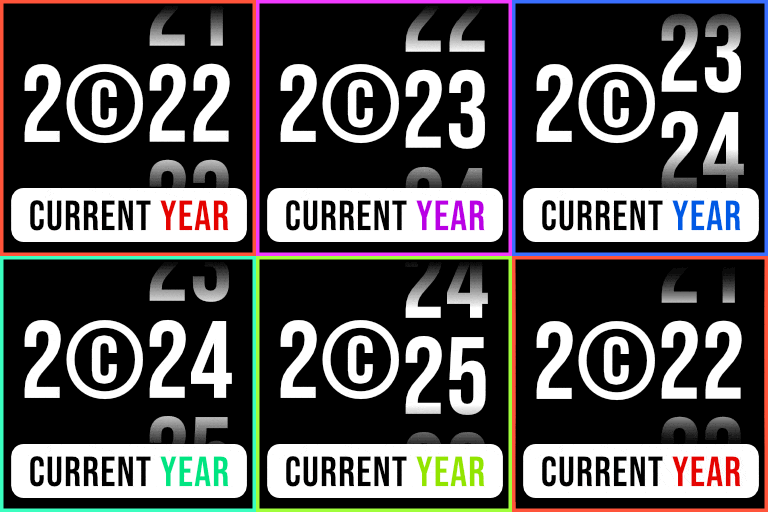
Smart Copyright Year (Lite) – Auto Current Year Updater Shortcode
Introducing the “Smart Copyright Year” plugin – your shortcut to a sleek and professional website! Tired of manually updating your copyright year? Wave goodbye to outdated info! Our nifty plugin is here to save the day. Just put the [year] shortcode in your copyright line, and voilà! Watch your copy
Introducing the “Smart Copyright Year” plugin – your shortcut to a sleek and professional website! Tired of manually updating your copyright year? Wave goodbye to outdated info! Our nifty plugin is here to save the day.
Just put the [year] shortcode in your copyright line, and voilà! Watch your copyright year update like magic, keeping your site fresh and current. No more hassle, no more outdated dates – just effortless style.
How to use (Guide)
Write “ [year] ” in your copyright line of content Example: Copyright © [year] WordPress. All Rights Reserved.
What is shortcode?
Read how WordPress shortcode work: WordPress Codex
- 01Put the plugin files in the ‘/wp-content/plugins/’ folder, or just install it right from the WordPress add plugins page.
- 02Make the plugin active on the ‘Plugins’ page in WordPress.
- 03Place the shortcode [year] wherever you can use it in WordPress.
Frequently asked questions.
How do I use this plugin?
Add “[year]” shortcode where you want to show the current year.
What is shortcode?
Read how WordPress shortcode work: WordPress Codex




