The FinderPress tool directory
WordPress plugin
SPW Pie Chart
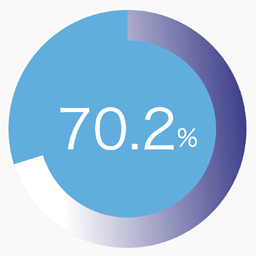
SPW Pie Chart adds a simple shortcode for displaying a single percentage-based pie chart with gradient colors, optional label text, and entry animation. Features: Render a single pie chart with the [spw_pie_chart] shortcode. Control the percentage, size, thickness, colors, stops, angle, and label. E
PricingFree downloadThe WordPress.org download is free. Pro versions, add-ons or external services may cost extra.
CompatibilityRequires WordPress 6.5 and PHP 7.4.
SourceWordPress plugins · Oct 22, 2026
01 / Source details
SPW Pie Chart adds a simple shortcode for displaying a single percentage-based pie chart with gradient colors, optional label text, and entry animation.
Features:
- Render a single pie chart with the [spw_pie_chart] shortcode.
- Control the percentage, size, thickness, colors, stops, angle, and label.
- Enable or disable animation when the chart becomes visible.
- Generate shortcode parameters from the admin screen under Settings > Pie Chart .
Example shortcode:
[spw_pie_chart percent="75" label="Sample" colors="#3d3e8e,#009ef9,#affffb" stops="0,50,100" angle="135"]
See it in action
Screenshots & previews.
02 / Source details
- 01Upload the plugin files to the /wp-content/plugins/spw-pie-chart directory, or install the plugin through the WordPress plugins screen.
- 02Activate the plugin through the Plugins screen in WordPress.
- 03Open Settings > Pie Chart to generate a shortcode.
- 04Paste the shortcode into a post, page, or widget area that supports shortcodes.
Keep exploring




